
The right platform for teaching and learning.
Google Workspace, Microsoft 365 Education, hybrid learning, and BYOD strategy for schools and Multi-Academy Trusts. Configured for education, secured for safeguarding.

Google Workspace for Education
Google Workspace for Education is free for qualifying schools and provides a powerful platform for classroom collaboration, assignment management, and communication. But realising its potential requires proper setup -- organisational units, sharing policies, Classroom configuration, and device management.
We deploy and manage Google Workspace environments for primary and secondary schools across Norfolk. From initial domain setup to ongoing administration, we ensure your Google environment is secure, well-structured, and used effectively by staff and students.
Microsoft 365 Education
Microsoft 365 Education provides free A1 licences for all schools, with discounted A3 and A5 options for enhanced security and compliance features. Teams, OneNote Class Notebooks, and Intune for Education provide a comprehensive platform for teaching, learning, and administration.
Many schools use Microsoft 365 but only scratch the surface. We configure your tenant properly, set up Teams for classes and departments, deploy Intune for device management, and train staff to use the tools that make the biggest difference to teaching and learning.


Hybrid & Remote Learning
The pandemic demonstrated that schools need the capability to deliver learning remotely at short notice -- whether for snow days, individual student absence, or future disruptions. A robust hybrid learning setup is no longer a nice-to-have.
We help schools build hybrid learning capability into their existing platform -- whether Google or Microsoft. Live lessons, pre-recorded content, assignment submission, and feedback workflows that work from any device, anywhere.
BYOD & Device Strategy
Bring Your Own Device programmes can extend your school's technology reach without the capital cost of a full device fleet. But BYOD creates challenges around network security, filtering compliance, application access, and equity for students without devices.
We design BYOD policies and the technical infrastructure to support them safely. Separate network segments, certificate-based authentication, consistent filtering, and clear acceptable use policies that protect both the school and its students.

Cloud Migration for Schools
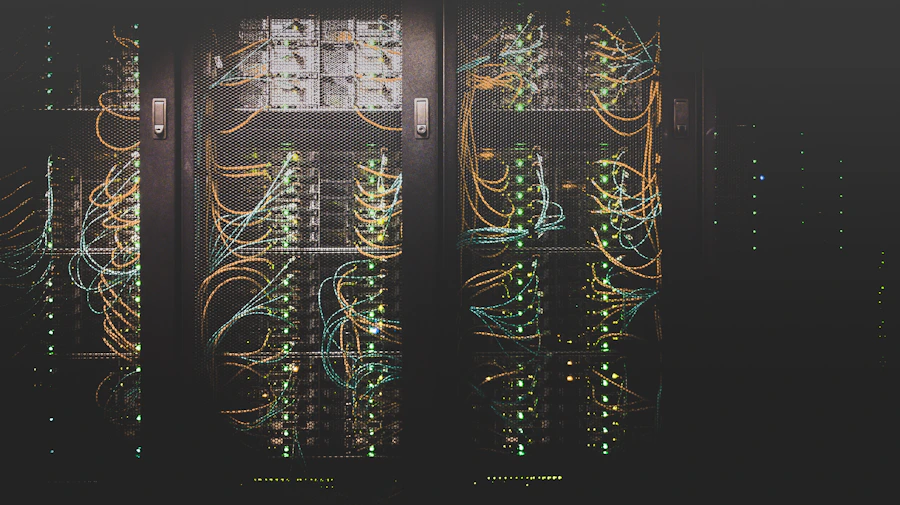
Many schools still run file servers, on-premises Exchange, and legacy applications that could be moved to the cloud -- reducing hardware costs, improving reliability, and enabling access from anywhere. The challenge is migrating without disrupting the school day.
We plan school cloud migrations around the academic calendar. Data is moved in stages during holidays, users are trained before cutover, and we maintain parallel systems until everyone is comfortable. No surprises on the first day of term.